Rent Monitors
MoreLess
Your monitor is your window to the digital world: Whether you're a gamer immersed in far-away adventures or simply working from home, the right monitor is equally central to your setup. At Grover, you can rent monitors and remain flexible—ideal if you only need a temporary workstation or want to try out a curved monitor.
64 products

Samsung - 32" Odyssey G7 G70D 4K UHD (32") LS32DG702EUXEN
€12.49
per month

HP - 27" OMEN by HP | 27"/QHD 780H4E9#ABB
€4.49
€5.99per month

Samsung - 27" Business Monitor S6U LS27A600UUUXEN
€4.49
per month
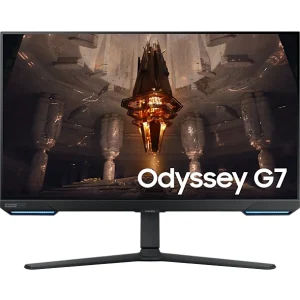
Samsung - 32" Odyssey G7 UHD LS32BG700EUXEN
€10.49
per month

Samsung - 32" OLED G80SD S32DG800SU LS32DG800SUXEN
€20.99
€21.99per month
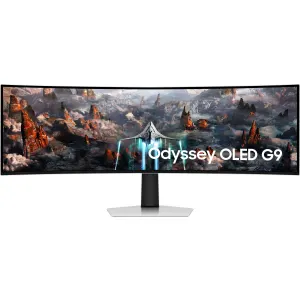
Samsung - 49" Odyssey OLED G9 G93SC LS49CG934SUXEN
€36.99
per month
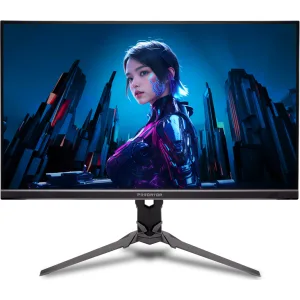
Acer - 32" Predator XB323QKV4bmiiprx (32") UM.JX3EE.401
€12.99
per month
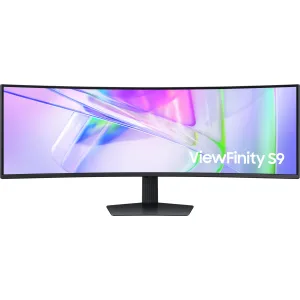
Samsung - 49" ViewFinity Monitor S95UC LS49C950UAUXEN
€35.49
€38.49per month

Samsung - 49" Odyssey G9 G95C LS49CG954EUXEN
€11.99
per month
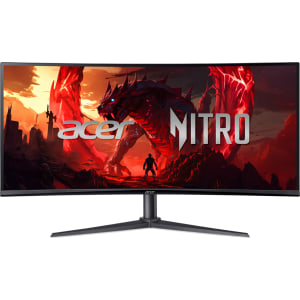
Acer - 34" Nitro XZ340CUJ0bmiiphx (34") UM.CX0EE.009
€7.49
€7.99per month
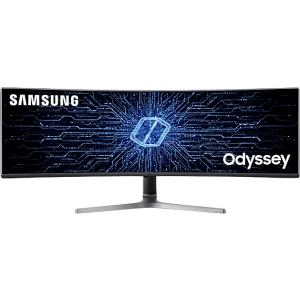
Samsung - 49" Samsung Odyssey CRG9 (49“) LC49RG94SSPXEN
€17.99
€35.49per month

Acer - 27" Predator X27Ubmiipruzx Display | 27" OLED UM.HXXEE.001
€13.99
€14.49per month
New screen technologies
It's an exciting time for tech enthusiasts. New computer monitors are coming with so many features that it's almost hard to keep track: HDR, 4K resolution, G-Sync or FreeSync, just to name a few. We even have curved monitors that literally draw you into the action. Such innovations transform the way you work and your gaming experience.
Finding the right monitor for the right application
Each of us has different requirements for a monitor. Are you a highly competitive gamer? Then a monitor with a low response time and high refresh rate will be your best friend. Are you a content creator who craves accurate color and sharp resolution? Or are you a remote worker who sits in front of the home office screen for hours every day? Then ergonomics and eye-care technology are a must. Your neck and eyes will thank you.When it comes to monitors, there’s no one-size-fits-all. Whether you're interested in maximum immersion with a curved monitor, fine-tuning visuals on an affordable PC monitor or expanding your laptop display with an extra screen for laptop—Grover has the right solution.
The alternative to the classic way of purchasing
You've no doubt heard about the new trend of renting tech—from iPhones to camera equipment. Renting is also suited perfectly for monitors and Grover offers a solution for exactly that. But why should you start renting rather than buying? Well, renting a monitor is more affordable, but also gives you flexibility. You can try out the latest large monitor or connect a special screen to your laptop for project work without breaking your budget. It also gives you the opportunity to keep up with the rapid advances in technology. After all, who wants to be shackled to outdated technology?
Why it's worth renting a monitor
In the world of monitors, there are an incredible number of options. Choosing the right monitor can mean looking like a pro in your next online battles, delivering crystal-clear presentations during a Zoom call or making the most brilliant colors shine in your next video project. If you’re perfectly equipped for your tech needs, then nothing stands in the way of a productive and successful digital future. So, what are you waiting for? Take a look at the range of monitors and take your setup to the next level.